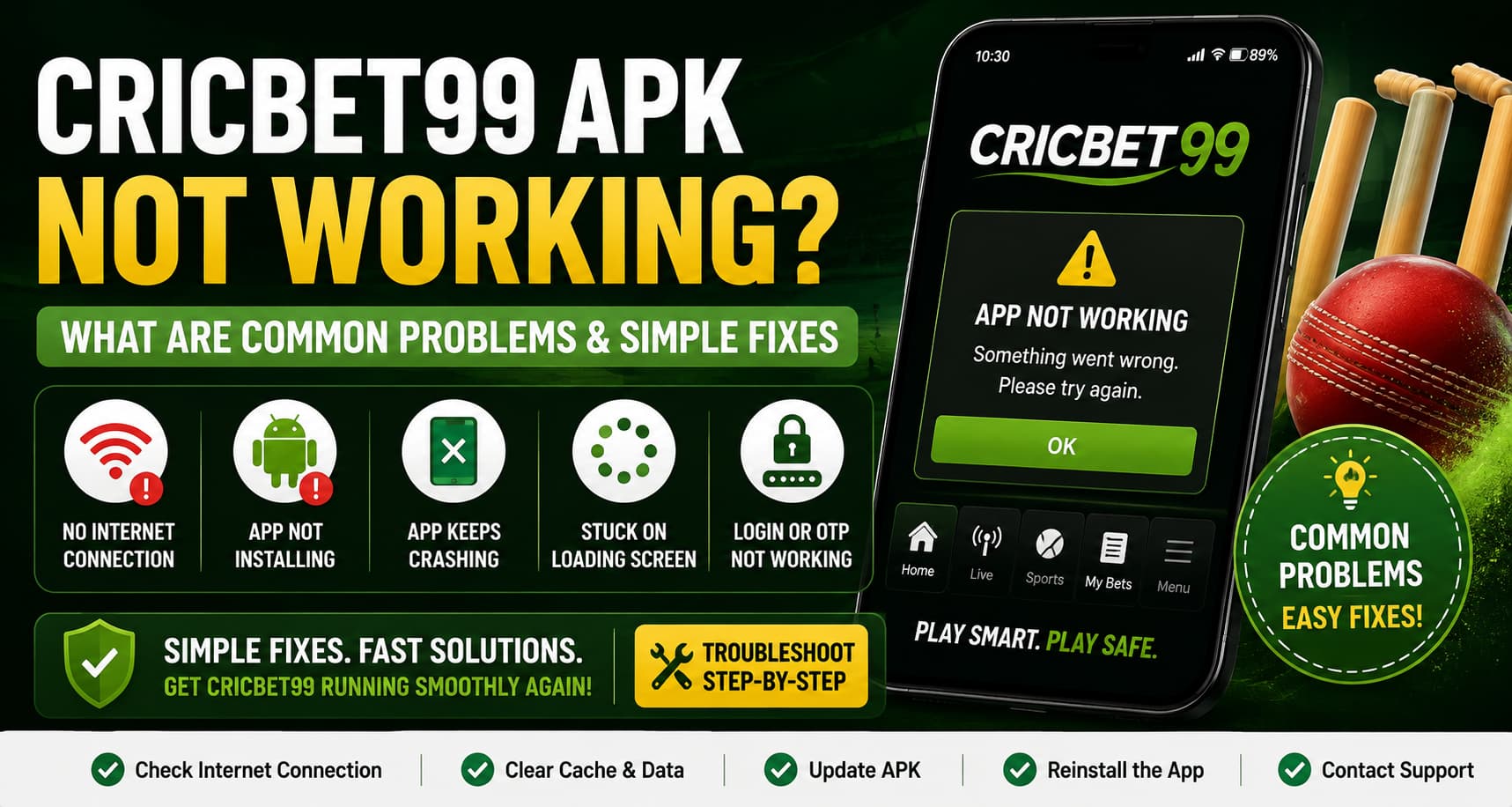
The Cricbet99 APK not working can be frustrating, especially when the app was running normally before and suddenly stops opening, logging in, or loading properly. Sometimes the problem is as simple as a weak internet connection. In other cases, an outdated APK, corrupted app data, Android permissions, or a temporary server issue may be responsible.
The good news is that many common Cricbet99 app problems can be checked without making major changes to our phone.
In this guide, we’ll go through the most common reasons why the Cricbet99 APK is not working on Android and the simple troubleshooting steps we can try.
Safety note: APK files should only be downloaded or updated through the official Cricbet99 website or another source specifically authorized by the platform. We should avoid modified APKs and unknown third-party download sites.
Why Is the Cricbet99 APK Not Working?
There isn’t one single reason an Android APK stops working.
The issue could come from our device, network connection, application version, or the platform itself. Identifying what is happening first can save us from repeatedly uninstalling and reinstalling the app.
Here are some common situations users may experience:
- Cricbet99 APK won’t open
- app crashes after opening
- Cricbet99 login isn’t working
- app is stuck on the loading screen
- pages appear blank
- APK installation fails
- app keeps freezing
- update isn’t installing
- OTP or verification isn’t arriving
- Cricbet99 shows a connection or server error
Let’s look at these issues one by one.
1. Cricbet99 APK Won’t Open
One of the most common complaints is that the Cricbet99 app won’t open after tapping its icon.
The app may close immediately, remain on its opening screen, or show an error message.
Simple Fixes to Try
Start with the easiest solution: completely close the application and open it again.
If that doesn’t work, restart the Android phone. A restart can clear temporary processes that may be preventing an app from launching correctly.
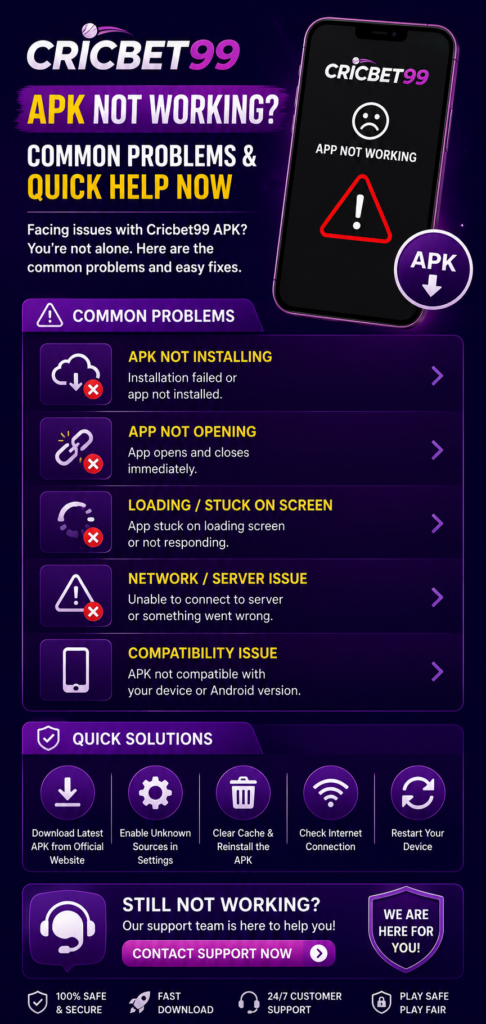
We can also check whether Android has a pending system update.
If Cricbet99 stopped opening after an app update, there may be a compatibility issue. In that case, check the official Cricbet99 source for the current APK version or support information rather than downloading an older version from an unknown website.
2. Cricbet99 App Keeps Crashing
An app that opens but repeatedly closes can indicate a software, storage, or compatibility problem.
First, check how much free storage remains on the device. Android applications need some free space for temporary files and normal operation.
We can then try clearing the app’s cache.
On many Android phones, the general path is:
Settings → Apps → Cricbet99 → Storage → Clear Cache
The exact menu names can differ depending on the phone manufacturer and Android version.
Start by clearing the cache, rather than immediately deleting all app data.
If the app continues to crash, check whether a newer official version is available.
3. Cricbet99 Stuck on Loading Screen
If the Cricbet99 APK is stuck loading, the first thing we should check is our internet connection.
Try opening another website or online application. If nothing else loads correctly, Cricbet99 may not be the problem.
We can try:
- Switching from Wi-Fi to mobile data.
- Switching from mobile data to Wi-Fi.
- Turning Aeroplane Mode on briefly and then off.
- Restarting the router if we’re using home Wi-Fi.
- Closing and reopening the Cricbet99 app.
Avoid repeatedly tapping buttons while the app is frozen, as this is unlikely to solve a connection problem.
Read More<<<Is the Cricbet99 App Safe in India? Security & Fair Play Review
4. Cricbet99 Login Not Working
Sometimes the app works normally, but users cannot access their accounts.
A Cricbet99 login problem can happen because of incorrect credentials, connectivity problems, account-related restrictions, or temporary service issues.
Check the Cricbet99 Login Details
Carefully enter the username or ID and password again.
Android autofill can sometimes insert an old password, so manually entering the current credentials can help.
If we’ve forgotten our password, use the platform’s official password-recovery process where available.
Never give our password or OTP to someone claiming they can “fix” the account.
Check Date and Time Settings
Incorrect device time can sometimes interfere with authentication systems.
On Android, we can usually enable:
Settings → Date & Time → Set time automatically
The exact location varies by device.
5. Cricbet99 APK Won’t Install
A different problem can occur before we even open the application: Android refuses to install the APK.
Several things can cause this.
| Possible problem | What we can check |
|---|---|
| Incomplete APK download | Download the file again from the official source |
| Not enough storage | Free up device storage |
| Installation permission blocked | Check Android’s install-unknown-apps permission |
| Unsupported Android version | Check current system requirements |
| Existing app conflict | Follow official update instructions |
| Damaged APK file | Download a fresh official copy |
Android deliberately places additional controls on apps installed outside Google Play.
If Android asks us to allow installation from a browser or file manager, we should only grant that permission when we’re confident the APK came from the official source.
6. “App Not Installed” Error on Android
The Cricbet99 APK app not installed message can appear for several reasons.
An existing version of the application may conflict with the APK we’re trying to install, or the downloaded file may be incomplete or incompatible with the device.
Before uninstalling anything, check whether important app information or account access could be affected.
Then confirm:
- the APK came from an official source;
- the download completed successfully;
- sufficient storage is available;
- the device meets the current Android requirements; and
- we’re following the latest official installation instructions.
Don’t disable Android’s broader security protections just to force an APK to install.
7. Cricbet99 APK Is Running Slowly
If the app opens but feels unusually slow, our phone may be handling too many processes at once.
Try closing apps we’re no longer using.
Freeing storage space can also help if the device is nearly full. A phone with very little available storage can become slow across multiple applications.
If Cricbet99 works well on Wi-Fi but becomes slow on mobile data, the network connection may be the main issue.
Quick Performance Checklist
Before changing advanced settings, try these basics:
- restart the app;
- restart the phone;
- check internet speed and stability;
- close unused background apps;
- clear Cricbet99’s cache;
- check available storage; and
- look for an official app update.
These simple steps can resolve many temporary performance issues.
8. Cricbet99 APK Update Not Working
Using an old version can sometimes lead to compatibility or login problems.
If an update is required, obtain the latest Cricbet99 APK only through the platform’s official distribution method.
Avoid searching for “Cricbet99 mod APK” or downloading modified versions that promise unlocked features. Modified APK files can contain unwanted code, steal credentials, or behave differently from the official application.
If a legitimate update doesn’t install, restart the phone and verify storage space before trying again.
9. Cricbet99 OTP Not Received
If Cricbet99 uses OTP verification and the code isn’t arriving, don’t repeatedly request new codes immediately.
First, check that:
- the registered phone number is correct;
- the phone has a mobile signal;
- SMS messages are working;
- the message hasn’t been filtered as spam;
- we’re using the latest verification code.
OTP messages can occasionally be delayed because of network or service-provider issues.
Most importantly, never share an OTP with another person. An OTP is a security credential, not something customer support should need us to post publicly or send to an unknown individual.
10. Cricbet99 Server or Maintenance Problems
Not every error can be fixed from our phone.
If our internet connection works and other applications are functioning normally, Cricbet99 itself may be temporarily unavailable.
Possible reasons include scheduled maintenance, technical problems, or temporary service disruption.
If several troubleshooting steps fail at the same time, it can be better to wait and check official Cricbet99 service information rather than repeatedly reinstalling the APK.
11. Clear Cache vs Clear App Data: Know the Difference
These two Android options aren’t the same.
Clear Cache removes temporary application files and is generally the better first troubleshooting step.
Clear Data/Storage can reset the application and remove locally stored settings or login information.
We should therefore avoid clearing all app data unless it’s necessary and we’re confident we have the information needed to sign in again.
12. Reinstall Cricbet99 APK as a Last Step
If nothing else works, reinstalling the application may help when local app files have become corrupted.
Before doing this, make sure we know our correct account credentials.
Then use the official installation instructions and obtain a fresh copy of the Cricbet99 APK for Android from an authorised source.
We shouldn’t reinstall repeatedly if the problem continues. At that point, contacting official support or checking for a wider service problem is more sensible.
Cricbet99 APK Troubleshooting Checklist
When Cricbet99 is not working, we can work through the problem in this order:
- Check our internet connection.
- Close and reopen Cricbet99.
- Restart the Android device.
- Check available storage.
- Clear the app cache.
- Confirm the phone’s date and time.
- Check for an official APK update.
- Confirm Android compatibility.
- Check official information for maintenance or outages.
- Reinstall from an official source only if necessary.
Starting with simple fixes helps us avoid unnecessary changes to our phone.
How to Keep the Cricbet99 APK Running Smoothly
We cannot prevent every technical issue, but basic device maintenance can reduce avoidable problems.
Keep Android updated when supported by the device, maintain enough free storage, avoid installing modified APK files, and update Cricbet99 only through trusted official channels.
We should also protect our account information.
Use a unique password, keep OTPs private, and don’t give account credentials to anyone promising to repair an app remotely.
Frequently Asked Questions
1. Why is my Cricbet99 APK not opening?
Temporary app files, insufficient storage, an outdated version, Android compatibility issues, or a service outage could be responsible. Start by restarting the app and phone, then check the connection, storage, cache, and official update information.
2. Why does Cricbet99 keep crashing on Android?
Low storage, corrupted temporary files, software incompatibility, or an app problem can cause crashes. Clearing the cache and checking for an official update are sensible first steps.
3. Why can’t I install the Cricbet99 APK?
Android may be blocking installation from the source, or the APK may be incomplete, incompatible, or conflicting with an existing installation. Confirm that you’re using a current APK obtained through the official source.
4. Should I download Cricbet99 APK from a third-party website?
It’s safer to use the official Cricbet99 website or another distribution source explicitly authorised by the platform. Unknown APK files can create security and privacy risks.
5. Will clearing the Cricbet99 cache delete my account?
Clearing the cache normally removes temporary files rather than the account itself. Clearing app data/storage is different and may remove locally saved login details and settings.
6. What should I do if none of these fixes works?
Check whether Cricbet99 has announced maintenance or a service issue. If the problem continues, contact the platform through its verified official support channel and describe the error you’re seeing.
Final Thoughts on Cricbet99 APK
When the Cricbet99 APK is not working, we don’t need to uninstall the application or change advanced Android settings immediately.
Check the internet connection, restart the app, restart the phone, verify storage, and clear temporary cache files. After that, we can check Android compatibility and whether an official Cricbet99 APK update is available.
Security is just as important as fixing the technical problem. We should avoid unofficial APK downloads, never share passwords or OTPs, and be cautious about anyone offering a “special” version of the application.
If Cricbet99 itself is experiencing a server or maintenance issue, the solution may simply be to wait for the service to return rather than repeatedly changing our device. Get our Cricbet99 team instantly

Ethan is an experienced betting specialist and former casino analyst working at Cricbet99, with strong expertise in online sports betting, live odds analysis, and market strategy. He focuses on creating clear, research-driven content that helps users understand betting systems, match trends, and wagering strategies simply and practically. With deep knowledge of cricket, football, and casino gaming markets, Lenin provides insights that combine data analysis with real-time sports understanding. His work includes betting guides, platform reviews, bonus breakdowns, and predictive strategies designed for both beginners and advanced users.